A home for your first language.
Set up the service, choose your models, and bring one small piece of real content.
Start the workspace
Use Node.js 22.16 or later and pnpm 9.15.9. Clone the public repository and run:
git clone --branch develop https://github.com/bomsn/EveryLocale.git
cd EveryLocale
pnpm install --frozen-lockfile
pnpm build
pnpm run setup
pnpm start
Open http://localhost:4310. Sign in with EVERYLOCALE_ADMIN_TOKEN from the generated .env. Keep that file private.
Choose the models doing the work
In .env, configure generation and review separately. Each role needs an endpoint, model, credentials if required, and explicit token prices. OpenRouter and OpenAI-compatible local endpoints use the same configuration.
EVERYLOCALE_GENERATOR_URL=https://openrouter.ai/api/v1
EVERYLOCALE_GENERATOR_KEY=your-private-api-key
EVERYLOCALE_GENERATOR_MODEL=your-chosen-model
EVERYLOCALE_GENERATOR_INPUT_PRICE=provider-input-price
EVERYLOCALE_GENERATOR_OUTPUT_PRICE=provider-output-price
Repeat with EVERYLOCALE_REVIEWER for the independent review model, then restart. Prices are USD per million tokens. Unmetered local endpoints use zero for both prices. Full provider configuration includes the optional ChatGPT connection.
Create a project that fits your rules
In the workspace, choose a source language, target languages, and spending limit. Automatic approval moves clean checked revisions into export. Choose human approval if each revision should wait for a person.
Begin with a short catalog or document. Add context and a glossary for product names and terminology, then start translation.
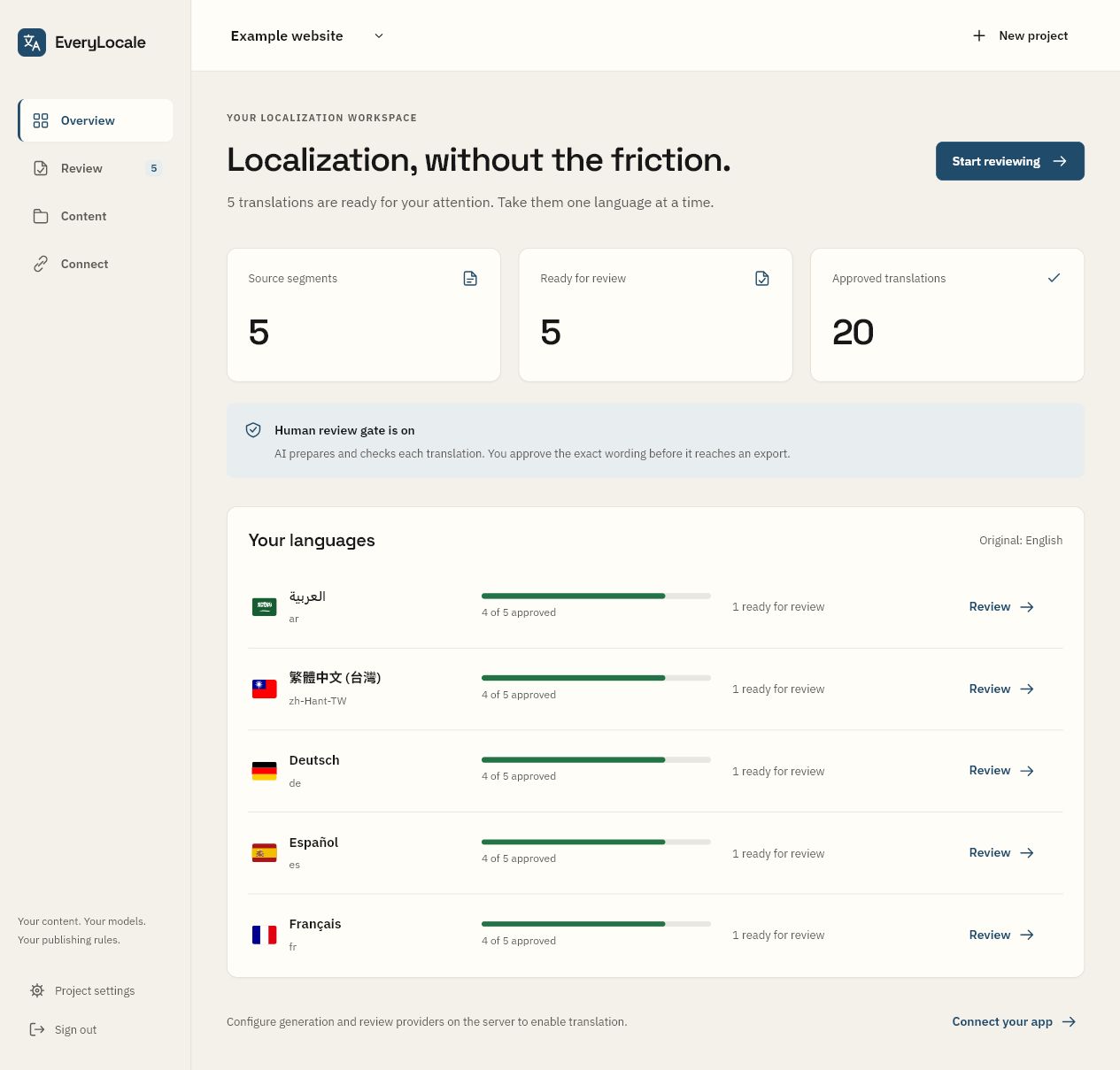
Connect the first release
Create a scoped token in Connect / Manage access. Keep it in your server or CI secrets. Set EVERYLOCALE_URL and EVERYLOCALE_TOKEN, then:
pnpm cli extract --input messages.json --format json --namespace app --output source.json
pnpm cli sync --project your-project --input source.json --locales de,fr --wait
pnpm cli pull --project your-project --output locales
Use locales configured in your project. Pull delivers one consistent approved release. Capture locales/current.json once during your build, then read the catalogs from that release directory.
Prefer Docker?
After generating the configuration, start the service with persistent storage:
docker compose up --build -dUse HTTPS and a reverse proxy for remote access. Keep the SQLite volume and secrets across updates. Plan recovery before relying on the service.